XTester
 Studio 1.0.0-preview.1: ML training, saved research and a closer look at each run
Preview 1 brings model training, saved parameter studies and reusable market screeners. Order explanations connect a strategy decision to the run that produced it, while expanded historical-data tools help you understand the evidence behind a result.
This is a preview release following 1.0.0-alpha.8, not the stable 1.0.0 release. Here is what changed and how to upgrade from Alpha 8.
Train a model, then check it on separate data
New ML profiles let you train LightGBM and MLP models in Studio. You can follow progress, cancel training, use checkpoints and inspect results on a separate holdout period. Trained models can be exported as portable .xtmodel artifacts for compatible Studio and Launcher runtimes.
A holdout period answers a different question from training results: does the pattern still hold on data the model did not learn from? It can expose a model that fits its training history but does not generalize. A good holdout result is not a promise of future returns. Repeatedly choosing models against the same holdout also weakens its value as an independent check.
This release fixes model import after Studio's automatic project compile warm-up as well.
Keep the evidence behind a parameter choice
Parameter studies support exact grids and adaptive searches over declared C# strategy parameters. Save the results, reopen them from Studio, Copilot or MCP, and compare compatible configurations alongside their recorded trial evidence.
The benefit is not just finding a winning configuration. You can return to the study and see which alternatives were tried and why you chose one. Looking at nearby settings is useful too: a narrow pocket of good results calls for more investigation rather than proving that a strategy is robust.
The scope matters: these studies cover C# strategy parameters. The presence of other language adapters does not mean every language has the same feature support.
Reuse market screens and investigate specific situations
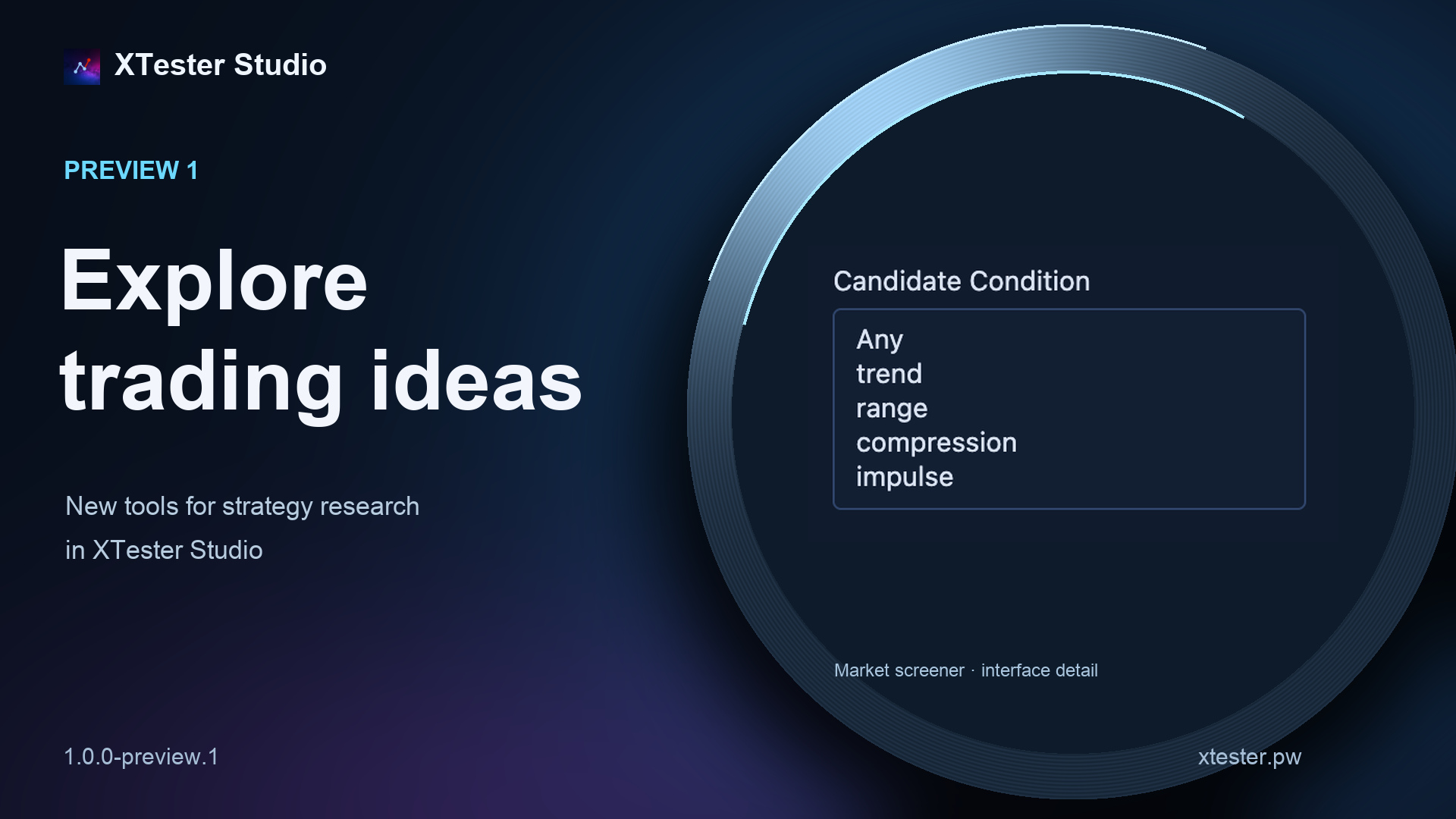
Situation research lets you save evidence about market setups and individual episodes. Reusable screeners have a versioned library and a strategy SDK. The same research workflows are available through Studio, Copilot and MCP.
This helps separate two tasks: finding the conditions you care about and examining how a strategy behaves when they occur. A saved screener gives you repeatable selection criteria; the research keeps the context available for later review.
Saved run and portfolio reports now include BTC phase attribution, both by UTC-day phase and by the phase at the original position entry. Missing coverage and open positions are shown explicitly rather than being treated as completed observations.
Explain the order that actually happened
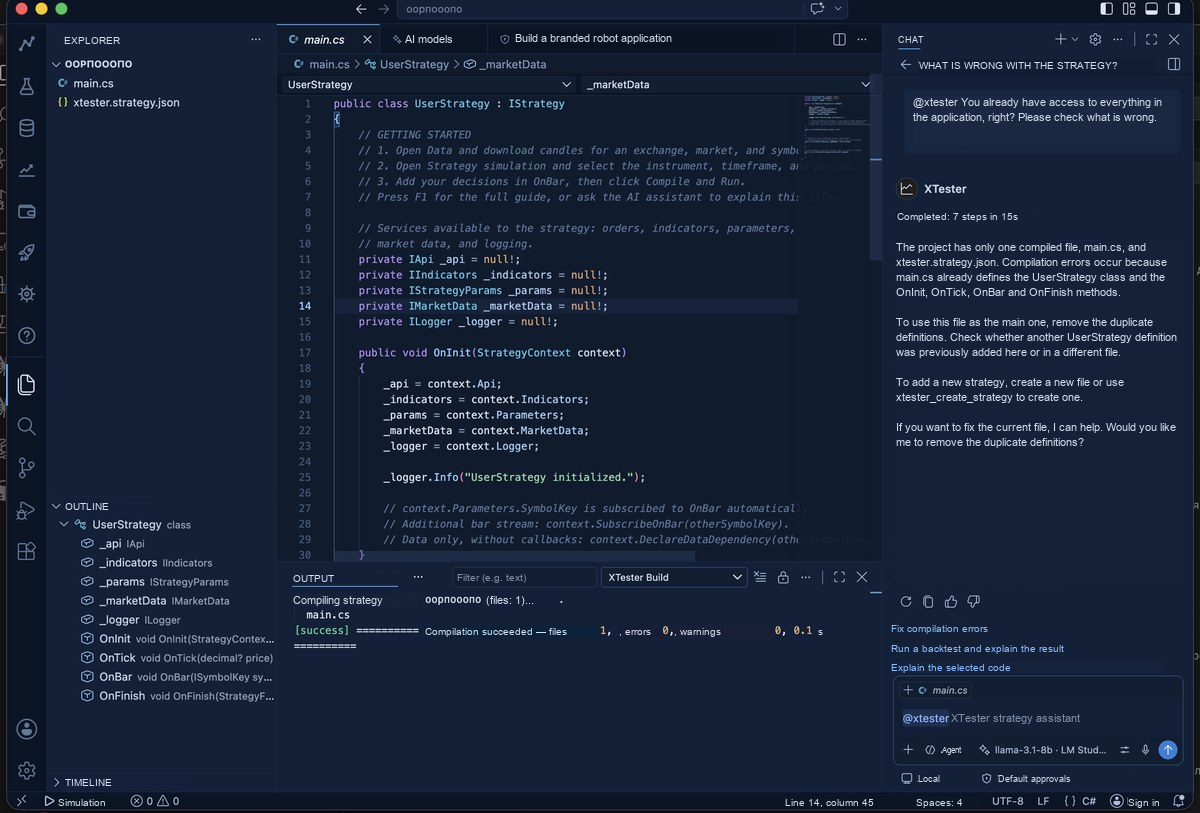
Open an order explanation from a chart or the order history. It uses the strategy source from that exact run and its recorded execution evidence, then opens the discussion in an ordinary Copilot conversation.
That distinction matters if you have edited the strategy since the test. Today's source may no longer explain yesterday's order. Binding the explanation to the original run gives you a more useful starting point for checking an entry or exit condition. It does not replace your own review of the strategy's logic.
Inspect more of the history behind a test
The Trades section shows recorded trade days and order-book history. Load more trades, open an individual day or explicitly re-download a stored day. Studio chat and MCP can operate the same window.
Trade-tape loaders were added or extended for HTX, OKX, KuCoin, Bitget, Kraken, Bitfinex, Coinbase and dYdX, with fixes for Bybit spot. This does not imply equal history depth across venues: availability depends on the source, instrument and period.
Native detail can be acquired directly at supported chart resolutions. Ambiguous minutes can be resolved using recorded trades where those trades are available. Binance seconds preserve intervals with confirmed no trades. Bybit order-book archives retain days across receipt-time boundaries and report storage failures explicitly.
The purpose is to use finer evidence where it exists, not to claim that every simulation reproduces exchange execution exactly. Missing trade tape or order-book history remains a coverage limitation.
Binance minute-history downloads can use the public archive. Downloads skip periods before listing and expose batch progress, failed instruments, cancellation and worker exits. That makes it easier to distinguish a completed dataset from a download that still needs attention.
Less redundant engine work, clearer Paper behavior
Calculation paths no longer repeatedly scan complete histories and fills on every bar, and live preview does less redundant work. There is no fixed speedup claim for every strategy: the effect depends on the code, data and execution mode.
Several corrections concern behavior rather than speed. Live indicator shifts at OnBar match backtest behavior, and warm-up preserves the account settings established during strategy initialization. Stopping Paper with Keep retains resting orders for the next start. Restarted Paper robots avoid double-counting previous results and can restore positions on additional instruments.
Launcher: per-robot budgets and optional crash recovery
Launcher adds per-robot budget limits and an optional restart-after-crash policy with backoff between attempts. Launch settings separate exchange and Telegram configuration, risk and order polling. Budgets and restart policies help manage a robot; they do not remove trading risk or guarantee uninterrupted operation.
Robot views show orders, fills, history, position details, exchange links and per-instrument figures. Chart markers open their associated orders. Before starting, Launcher checks robot inventory and strategy ownership. Remote robots can also be inspected through read-only MCP tools.
Studio and Launcher now load Russian and English online help with contextual links, cross-references and downloadable examples. Trades and Order Book link to the historical-data download guide. Both applications can prepare diagnostic packages for support.
Upgrading from Alpha 8
Alpha 8 needs a one-time manual upgrade to Preview 1.
- Close Studio. Backing up important projects and data before replacing the application is a sensible precaution.
- Open the official website and download the Preview 1 package for your OS and architecture. Packages are available for Windows x64 as an installer or portable ZIP, macOS on Apple Silicon or Intel, and Linux x64 as DEB, RPM or tar.gz.
- Verify the downloaded file against
checksums.sha256from the official release. - Install over the existing application while keeping your user profile and XTester data directories. When replacing a portable installation, retain the
datafolder. - After starting Studio, check the version, projects and historical data, then run a familiar test before resuming normal work.
Preview's updater recognizes Preview tags and refreshes stale offers before downloading. The initial package is smaller because Studio downloads the matching server component separately when you confirm server setup.
Package signing still has preview limitations. Windows uses a temporary self-signed Elinesoft certificate; macOS packages are ad-hoc signed without Apple notarization. The Linux checksum-signing key has changed. Check the file's origin and the official release details rather than bypassing OS warnings blindly.
Learn more and download on the XTester website. Read the English help.
This material is for information only and is not investment advice. Backtest results do not guarantee future returns.