
XTester Studio 1.0.0-alpha.4: updates without GitHub, diagnostics and fixes
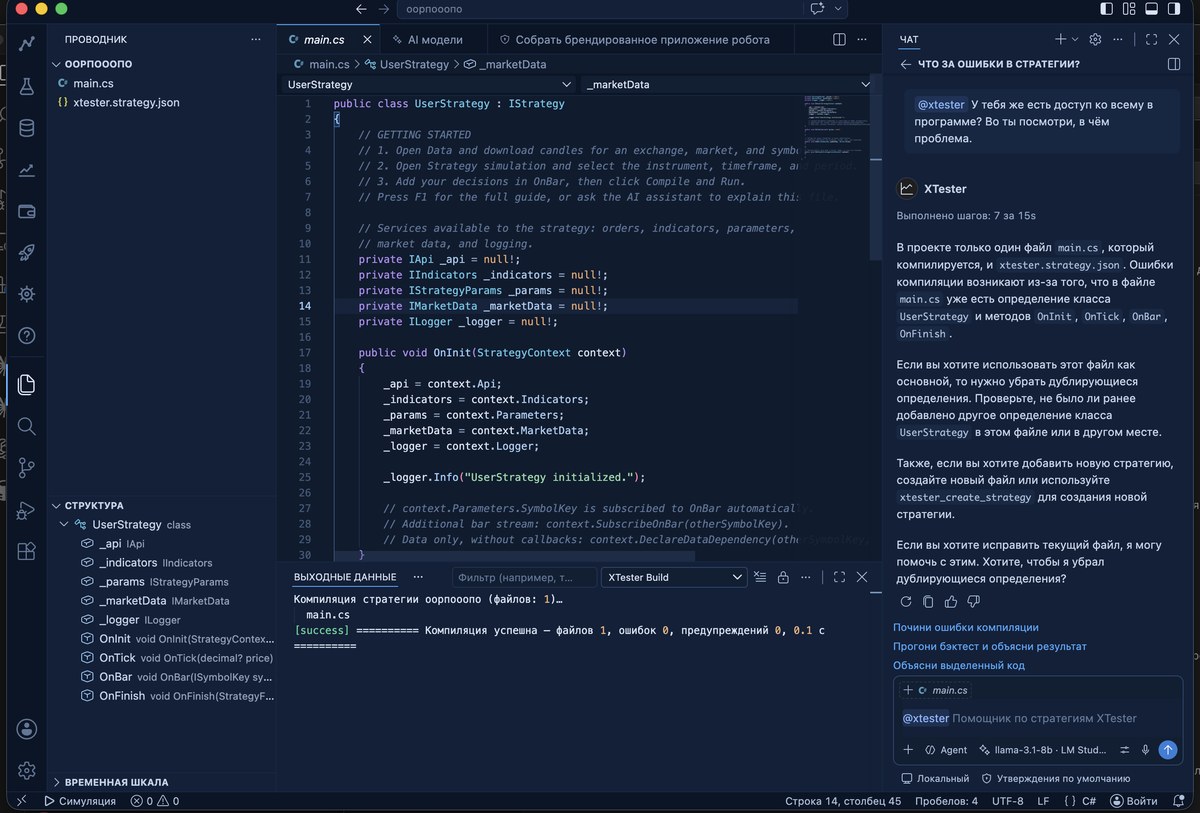
XTester Studio 1.0.0-alpha.4 is out for Windows, macOS and Linux.
What's new
- Studio can use the website release feed when GitHub is temporarily unavailable. Downloads retain the same versioned GitHub URLs, size checks and SHA-256 verification; provider cooldowns respect rate limits.
- Optional diagnostics now cover update checks, displayed offers, verified downloads and installation outcomes, plus safe startup and process-failure categories. Installation success is reported only after the expected version starts with its engine and core ready.
- Consent policy 4 explains update outcomes and the country code derived by the receiving server. Previous Allow or Ask Later choices require a new opt-in; previous denials remain denied. Turning diagnostics off clears queued reports. Raw logs, local paths and credentials are excluded.
- The research laboratory uses a separate Copilot chat session for each research. Open its conversation when needed; questions bring you back to the relevant research.
- Chart timeframe shortcuts follow usage, short histories keep sensible candle spacing, and fast tick runs display the forming candle. The chart keeps its loading veil visible during startup and compilation. Starting again preserves the selected simulation period, while session-owned boundaries stay locked.
- Robot profiles support an optional daily loss limit, including a percentage of equity. Robot packages include the connectors and runtime components their settings need, and the wizard estimates their size accordingly.
- Strategy conversion checks more quantity, direction, crossing and exit-handling mistakes before accepting a port. Long-history refinement handles bounded reads correctly.
- Corrected slippage on market orders placed at minute boundaries, several Pine partial/trailing-exit cases and live order cancellation handling. Closing a Studio window now ends its F5 debug session.
Good to know
- Intel Macs now need macOS 14 or later; Apple Silicon still needs macOS 12.
- The update helper restarts Studio with default launch options. If you start Studio with custom
--user-data-dir,--extensions-diror--shared-data-dir, reopen it through your usual shortcut after updating — your files are preserved. - Windows builds are not code-signed yet and macOS builds are not notarized, so the system may warn you on first launch.
This material is for information only and is not investment advice. Backtest results do not guarantee future returns.
Related posts
 Development
XTester Lab: comparing branches of an experiment
Keep a baseline, test a separate hypothesis and compare results: the proposed Studio interface and documented XTester Lab operations through MCP.
 Development
A strategy as a project: code, backtest and market phases in XTester Studio
Treat the strategy as a project: code, backtest, trades on the chart. A market-phase analyzer ships in the upcoming XTester Studio release.
 Development
When an AI has too many tools, the actual work barely fits
A full MCP catalog can fill an agent's context before the backtest. Progressive Tool Discovery loads one tool per step. Planned for XTester.McpHost and Studio.