XTester
XTester MCP: How an AI Agent Works with a Local Backtester
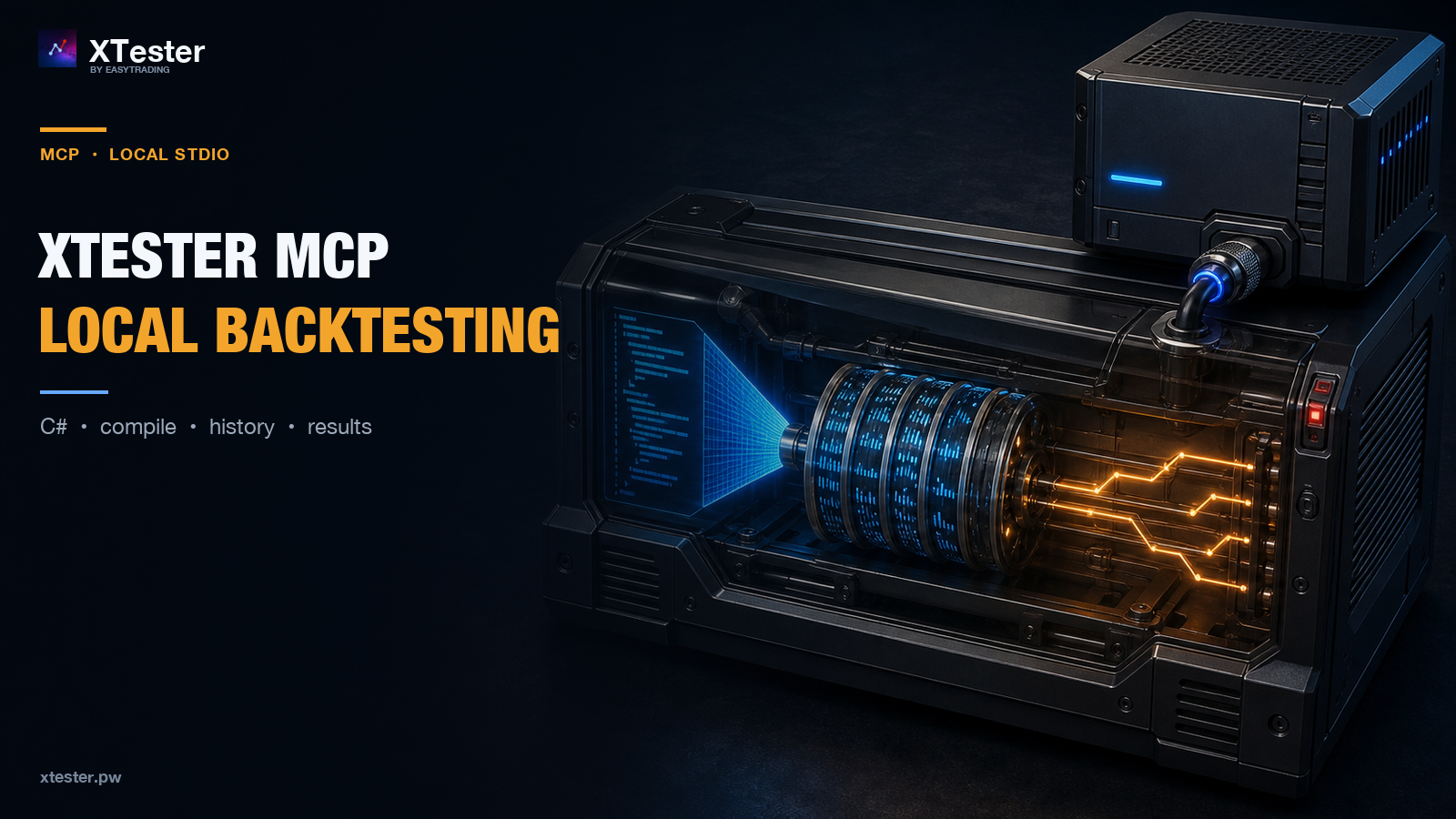
AI can produce a C# strategy in minutes. Turning that code into a tested hypothesis still takes much more: understanding the environment API, building the project, obtaining history, running a simulation, inspecting trades and separating an actual strategy improvement from a change in test conditions.
XTester MCP provides a structured connection between an AI agent and a local backtester. The agent does not receive a remote trading account or a “profit button.” It receives capabilities for working with a research environment on the user’s computer.
What changes compared with a normal chat
In a normal conversation, a model sees only what the user pastes into the prompt. It can suggest code, but it does not know whether the project compiled, the required history exists or the test produced the expected behavior.
With MCP, the workflow becomes connected:
- the agent inspects the environment and strategy API;
- it works with files inside an
.xtprojproject; - it compiles the strategy and receives errors;
- it checks market-history availability;
- it runs a backtest;
- it reads trades, metrics, the equity curve and drawdown;
- it compares versions and proposes the next hypothesis.
Research Lab and walk-forward workflows can be used where the installed XTester version supports them.
This does not make the agent correct by default. MCP gives it an inspectable workflow instead of a manual exchange of code fragments and screenshots.
How the connection works
XTester uses local stdio transport.
An MCP client—such as Claude Code, Claude Desktop, Codex CLI, Cursor, Windsurf or VS Code—starts the host on the user’s computer and exchanges structured messages through standard input and output. XTester does not open a separate network MCP port.
Connection setup is handled by the built-in Connect to an AI agent (MCP) screen. The application knows its actual installation path and prepares configuration for the selected client. The website therefore does not ask users to copy a universal path or a debug command that may not match the installed release.
A configuration template is not the same as separate certification of every client. Configuration format and confirmation behavior also depend on the MCP client itself.
What the agent can work with
The public documentation groups XTester MCP capabilities by purpose.
Environment and API
Before writing a strategy, the agent can inspect the interfaces and constraints available in the environment instead of inventing classes and methods.
Project and compilation
Strategy work takes place inside the XTester project. After a change, the code is compiled and errors are returned before a test begins.
Market history
The agent can check coverage and integrity and request a required historical range. Downloading history is a network read and a local write, and it may take time.
Backtesting and results
After a run, the agent can work with the outputs required to inspect strategy behavior: trades, metrics, the equity curve and drawdown. One headline number is not a substitute for reviewing execution and the distribution of outcomes.
Comparison and research
Versions and runs can be compared while data and assumptions remain fixed. Research loops should also preserve a trial budget, a holdout and a record of dependent tests rather than selecting a winner after the fact because one metric looks attractive.
A conceptual workflow
Suppose the user asks the agent to add a volatility filter to an existing C# strategy and test whether it reduces drawdown without eliminating too many trades.
A careful agent first identifies the project and baseline version. It then fixes the data range and execution model, runs the baseline and stores the result. Only then does it change the filter, compile the new version and rerun the same experiment under the same conditions.
The report should expose:
- the code change;
- the inputs held constant;
- before-and-after results;
- trades and drawdown, not only the total result;
- limitations of the conclusion;
- locations of stored artifacts.
MCP can automate this workflow without turning research into an uncontrolled parameter search.
Local transport does not mean a fully local AI process
This boundary matters.
Communication between the MCP client and the XTester host uses local stdio. The client may still call a cloud model. Depending on its configuration, the provider may receive tool schemas, arguments, results, strategy fragments, paths and logs.
Separate XTester functions may also use the network for market-history downloads, GitHub operations, AI providers and updates.
If source code or data must remain on-device, inspect the entire chain: MCP client, model provider, retention settings, telemetry and the specific actions being performed. XTester’s security documentation also advises against passing credentials through the agent workflow.
Discovery for people and machines
The human entry point is the XTester MCP overview, with pages for setup, capability classes, conceptual scenarios and security.
For search engines and AI crawlers, XTester publishes server-rendered pages, llms.txt, sitemap entries and discovery metadata. The machine-readable MCP manifest identifies the product and official entry points.
The exact tool catalog must be exported from the same verified release described by the documentation. Until that catalog is published, XTester does not claim an exact tool count and does not replace schemas with guesses.
What XTester MCP does not promise
- The public MCP interface does not claim live trading.
- Local
stdiodoes not guarantee a fully offline process. - Installing and launching the application remain user actions.
- Mutating operations require informed confirmation in the workflow.
- Results depend on data, fees, slippage and other assumptions.
- A backtest does not establish future profitability.
XTester MCP is not designed to let AI make decisions instead of the trader. Its role is to give an agent an environment where a hypothesis can become code, compile, face historical data and return with visible evidence and limitations.
Getting started
- Download XTester from the official GitHub Releases page.
- Open Connect to an AI agent (MCP) inside XTester.
- Select the MCP client and apply the prepared configuration.
- Restart the agent session.
- Begin with a safe read-only connectivity check.
Documentation:
XTester is a development and historical testing environment for trading strategies, not investment advice. Backtests do not guarantee future returns.
This material is for information only and is not investment advice. Backtest results do not guarantee future returns.